What “topping up” a virtual card actually means
“Top-up” sounds like adding credit to a phone. With a virtual card it works a little differently — here is the whole idea from start to finish.
Jump to a part
The word “top-up” comes from phone credit: you add money, and the balance goes up. With a virtual card the idea is close, but not identical, and the difference matters once you start using the card at real checkouts. This article walks through what a top-up at TopUpVCC is, what you receive at the end, and what it does not do.
A top-up is a balance you choose in advance
When you top up here, you decide how much should be on a virtual card before it exists. You type the amount — at least $10.00, at most $5,000.00 — and the receipt works out the total you pay. That total is the balance itself plus our fees. Once you pay, the card is issued with exactly the balance you chose.
That last point is the heart of it. Nothing connects the card to a bank account, a credit line or your crypto wallet. It carries a set amount of spending money and can never go past it. A checkout that wants more than is on the card simply gets a decline, never an overdraft.
Why “exact balance” is useful
Gift cards and vouchers usually come in fixed denominations: a set value you buy whether or not it matches what you need. Choosing the balance yourself means you can load the price of one purchase, or one month of a subscription, plus a small margin. You are not left with a large unused remainder, and you do not need to stack several cards to reach an odd total.
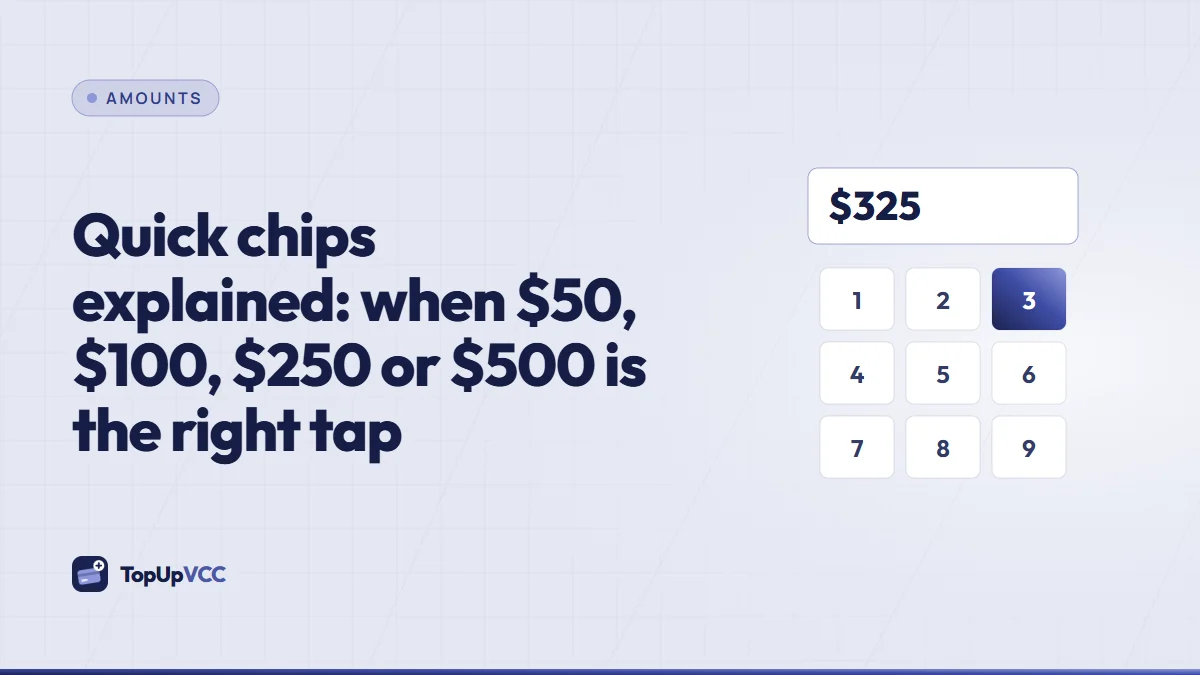
If you are unsure how much to load, our guide to quick chips covers when a round amount does the job and when the extras on a checkout call for an exact figure.
What you actually receive
A virtual card is a set of details rather than a piece of plastic:
- A card number — usually sixteen digits, printed nowhere, stored in your account.
- An expiry date, written MM/YY: the last month you can pay with it.
- A security code (CVV) — the three digits checkouts ask for to confirm you hold the card.
- A cardholder name and billing address — the details you type into a checkout form so they match what the issuer has on file.
All of these appear in the Cards tab section of your account. Number and CVV stay masked until you tap Unlock number & CVV and type an authenticator code, and they mask themselves again sixty seconds later. Expiry and billing address are always on show. Nothing about the card is ever sent by email.
Where the card works
You can pay online with it at any checkout that takes cards and doesn't turn virtual ones away. That second condition is important: each merchant decides for itself whether to accept virtual cards, and some do not. It is worth checking before you top up for a specific shop or service.
How a top-up moves from order to card
The journey has a few clear stages, and you can watch each one on the receipt:
- You choose the balance on the receipt and see the full total.
- You pay — either through the crypto checkout, which confirms itself, or by sending the exact total to one of our wallets and submitting the transaction ID.
- The payment is confirmed. A checkout payment moves the order to “Paid – awaiting card”. A wallet payment moves it to “Pending review” while we match the transfer.
- A team member issues the card, and the order changes to “Card issued”.
Most paid top-ups turn into a card within a few hours. Every card is issued by a person who checks the payment first, so busy periods can add some waiting time. The How it goes page shows the same journey with screenshots of each status.
What a top-up costs
Each top-up has two fees on top of the balance: a top-up charge worked out as 15% of the balance, plus a flat $5.00 to issue the card. Both appear before you pay and are locked into the order once you continue, so the total you see is the total you pay us.
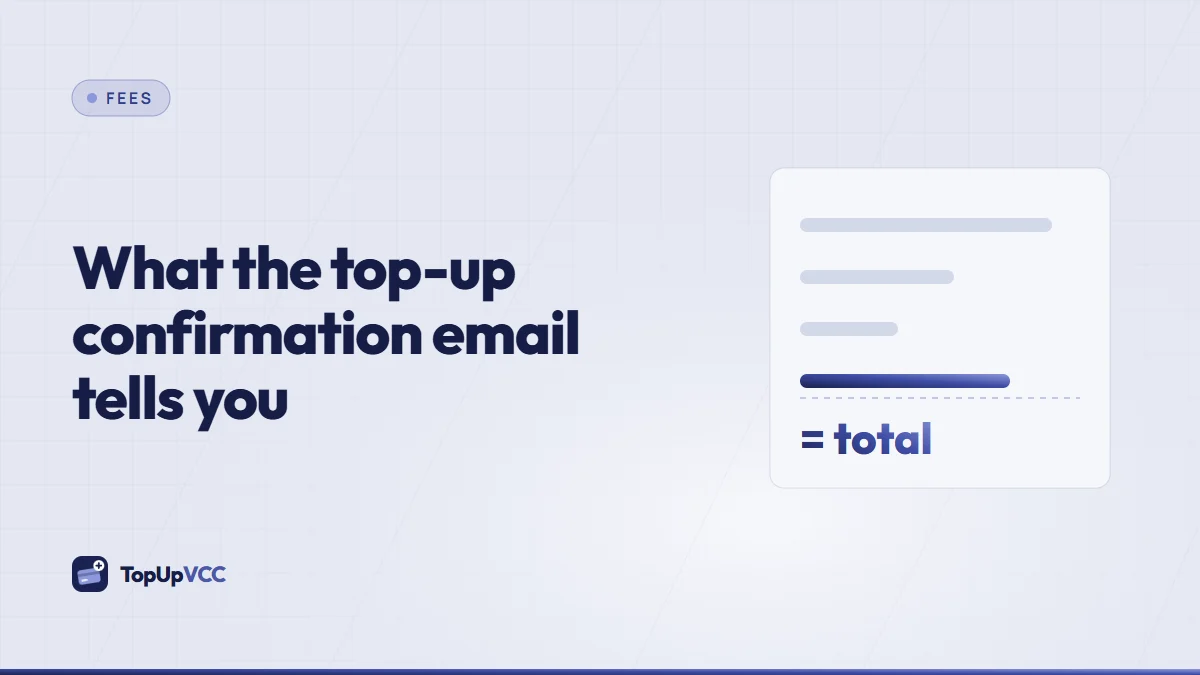
On top of that, your wallet or exchange may charge a network or withdrawal fee when you send crypto. That fee goes to the network or the exchange, not to us, and you should allow for it so the full total arrives. Our confirmation email guide shows where every one of those figures appears after you pay.
What a top-up is not
A few common assumptions do not apply here, and it saves trouble to know them early:
- It is not a reload of an old card. Each top-up creates a new card with its own number. Existing cards hold only what they were issued with.
- It is not a bank account. The balance does not earn interest and is not a deposit. TopUpVCC is not a bank.
- It is not instant in the way a phone top-up is. Payment confirmation can be quick, but a person issues the card, so allow for a short wait.
- It is not a way around a merchant's rules. If a platform has limited or closed your account, a different card does not change that, and our terms do not allow using cards for that purpose.
Quick answers
Can I choose any amount at all?
Any amount inside the limits shown on the receipt: right now $10.00 at the low end and $5,000.00 at the top. Cents are allowed, so you can load an exact figure such as 47.50.
Do I need a crypto wallet of my own?
You need some way to send crypto: an exchange account or a wallet you control both work. The checkout shows which coins it accepts, and wallet payments list the exact network to use.
What happens to money left on the card?
It remains available until you spend it or the card expires. An unused card comes back in full; a used one only when plenty is left on it, less a commission. The refund rules are written out in full on the refund rules page.
Is the card in my name?
An optional field on the keypad screen sets the name on the card; skip it and a standard holder name is printed instead. The billing address shown in the Cards tab is the one to use at checkouts.
The short version
A top-up turns a balance you pick into a virtual card you can use online. You see every fee before paying, you pay in crypto, and a person issues the card once the payment is confirmed. Load what you need, check that the merchant accepts virtual cards, and keep the card details inside your account where they are protected by your authenticator.