Quick chips explained: when $50, $100, $250 or $500 is the right tap
Four chips sit above the keypad. They save a few taps, but a round number is not always the right number. Here is how to tell the difference.
Jump to a part
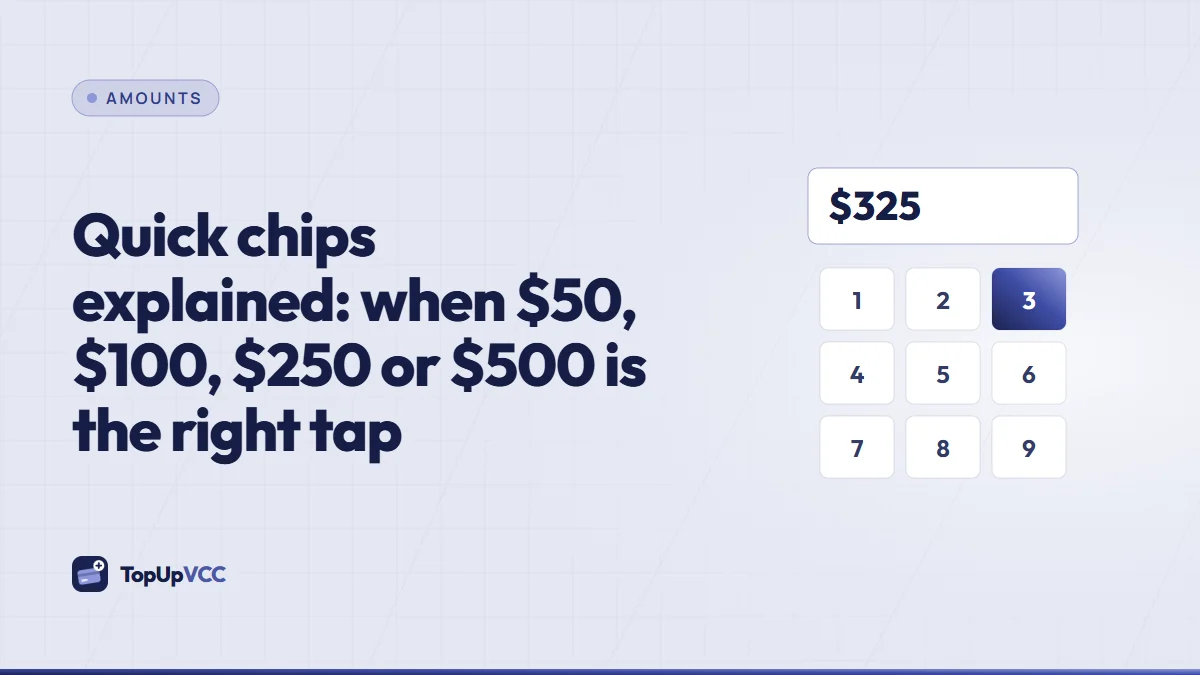
Above the keypad on the Top up screen sits a row of four chips: $50, $100, $250 and $500. Tap one and the readout jumps to that balance, with the full price underneath. They are the fastest way to start a top-up, and for plenty of purchases they are exactly right. For others, a round number either leaves money stranded on the card or falls just short at the checkout. This guide explains what the chips do, when they fit and when you are better off typing the figure yourself.
What a chip actually does
A chip is a shortcut for typing. Tapping $100 puts 100 in the readout, exactly as if you had pressed 1, 0 and 0. Nothing else changes: the total underneath grows by the top-up charge (15%) and the card fee ($5.00), the energy fill rises behind the number, and the Next button lights up if the amount is within the card limits.
Chips only appear when they fit inside those limits. Right now the smallest card is $10.00 and the largest $5,000.00, so a chip outside that band simply isn't shown. If the limits change, the row adjusts by itself.
A chip also doesn't lock anything. After tapping one you can keep typing, and that is where people get surprised. The keypad adds digits to the end of whatever is in the readout, so tapping $50 and then pressing 0 gives you $500, not $50.00. Backspace removes the last digit. If the readout ever shows something you didn't mean, the safest fix is to clear it with backspace and start again.
When a round number is the right number
Round chips fit purchases where the exact price is either unknown or flexible.
A budget rather than a bill
Some spending starts with a limit, not a price: "I'll spend up to $100 on games this month" or "this card covers my online shopping for the trip". The card's balance is the budget. A chip turns that decision into one tap, and the fixed balance keeps you honest, because the card simply declines once the budget is gone.
A purchase with a known, round price
Plenty of things are priced in round dollars with nothing added at the checkout: some memberships, some course fees, some top-ups for other services. If the price is a flat $50 and you have confirmed that no tax or service fee is added, the $50 chip may be all you need. Check that last part, though, because "flat" prices often grow a line or two at the final step.
Room to spare on purpose
When you expect several small purchases from one card, such as a few in-app items over a month, an exact figure is impossible anyway. A round amount slightly above your estimate gives you that room.
When to type the figure yourself
Round numbers become a problem when the purchase has a precise price.
Checkouts that add tax, shipping or fees
A jacket at $94 can be $109.37 by the time tax and delivery are added. Neither $100 nor $250 is a good fit: the first falls short and the second leaves a large remainder. Go through the shop's checkout until you see the final total, then type that total plus a small margin. Our guide to adding a buffer shows how big that margin should be.
Foreign-currency prices
If the shop charges in euros, pounds or another currency, the dollar amount taken from the card is only known when the charge happens. Type the converted price with room for the conversion rather than rounding to the nearest chip.
Big, one-off payments
For a single large payment, every unnecessary dollar on the card costs its share of the top-up charge. With the $500 chip and a $430 purchase, you pay the charge on $70 you never needed, and that remainder sits on a used card. If the leftover stays under the money-back threshold, it can only be spent, not returned.
A quick way to decide
Ask two questions before you tap:
- Do I know the final checkout total, to the cent? If yes, type it, plus a small margin.
- Is the remainder I'd be left with something I'll actually spend? If not, a chip is probably too big.
If the answer to the first is "no" and to the second is "yes", a chip is a sensible choice.
What the chips cost
Every chip carries the same two fees as any typed balance: 15% of it as a top-up charge, plus the $5.00 card fee. Since the card fee never changes with size, it weighs more on small cards. On a $50 card it is a noticeable share of the price; on a $500 card it barely registers. The rates page shows worked totals for common balances, chip amounts included, so you can compare before you start.
The percentage part works the other way: it grows with the balance. That is why a chip much larger than you need is not a free cushion. You pay the charge on the whole balance, including the part you never spend.
Examples
- A $50 game gift with no extras. The price is flat, the platform adds nothing, and you plan to spend it all at once. The $50 chip is spot on.
- A $118.40 order from an online shop. You know the exact total. Type 125 to leave a few dollars of room, rather than tapping $250.
- A month of small food deliveries. You expect roughly $80 to $90 across several orders. The $100 chip gives you that room without a large remainder.
- A $240 course fee charged in euros. The dollar amount is not fixed. The $250 chip may fall short once the conversion is applied, so type an amount with a proper margin instead.
Quick answers
Can I change the chip amounts?
Not from your account. The chips are set by us and stay within the current card limits.
Does a chip give me a better rate?
No. The fees are the same whether you tap a chip or type the number.
I tapped a chip and then a digit, and the amount jumped. Why?
The keypad adds digits to the end of the readout, just like a calculator. Tapping $50 and then 0 gives $500. Use backspace to remove the extra digit.
Do chips change the total after I confirm?
No. Once you confirm, the total is locked, however you entered the balance.
Summary
Quick chips fill in a round balance with one tap. They suit budgets, flat prices and cards meant for several small purchases. For checkouts with tax, shipping, fees or a foreign currency, type the real total plus a small margin instead. Either way, read the readout before you tap Next, because the keypad adds whatever you press after a chip.