A misplaced zero: amount-entry slips and how to catch them
One extra zero or a dot in the wrong place changes a payment by a factor of ten. Where these slips happen and how to catch them before they cost anything.
Jump to a part
Most payment mistakes people worry about are dramatic: the wrong network, a fake address. The commonest slip is quieter. A finger lands on 0 twice, a decimal point goes in one place too late, a chip is tapped and then a digit is added. The amount is off by a factor of ten, and because the number still looks like a number, the eye slides right over it. This guide covers where amount slips happen in a top-up and the simple checks that catch them while they are still harmless.
Where amounts are typed
A wallet top-up involves two amounts typed by you, in two different places:
- The card balance on the keypad, which decides how big the card is and what the total will be.
- The amount you send from your wallet or exchange, which has to match that total exactly.
A checkout payment involves only the first: the payment page fills in the coin amount for you. Either way, the keypad is where everything starts, so it is where checking pays off most.
Keypad slips
The double tap
Pressing 0 once too often turns $100 into $1,000. The keypad shows the readout in large type to make this obvious, and the energy fill behind the number rises as the balance grows, so a jump of a whole digit is easy to feel as well as see. If the fill shoots to the top when you expected a modest card, look again.
Chip plus digit
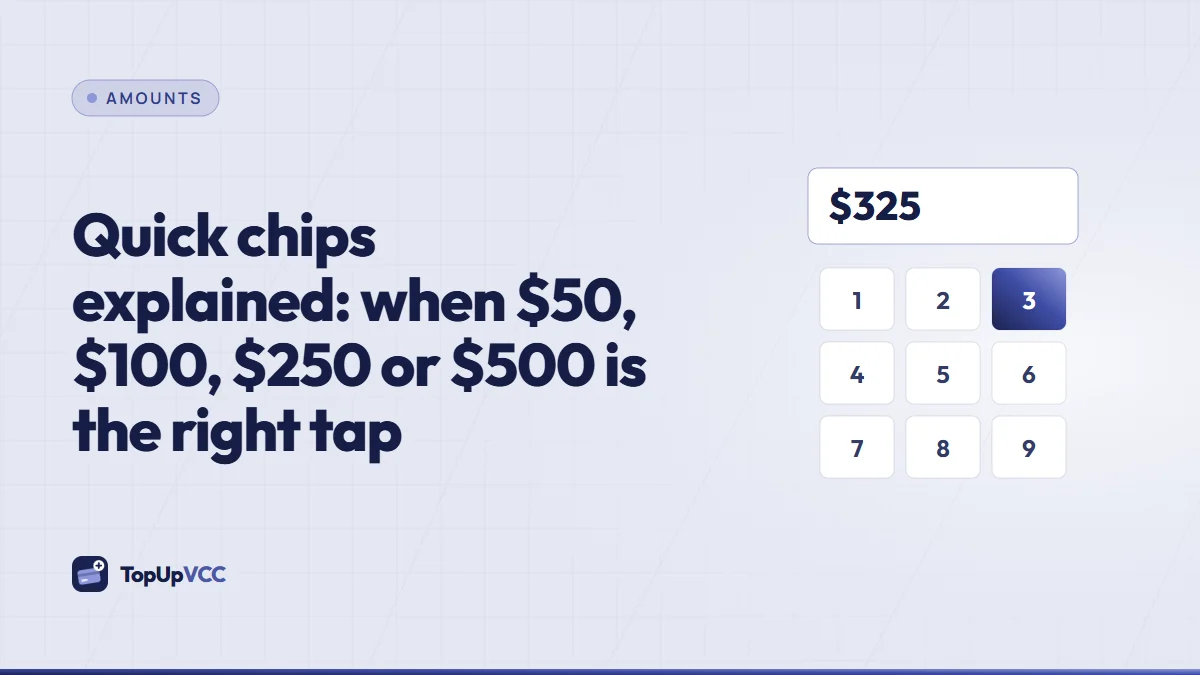
The quick chips fill the readout with a round amount, but the keypad still adds whatever you press next. Tapping $50 and then pressing 0 gives $500. Our guide to quick chips covers this in detail. If you tap a chip and want a different amount, clear the readout with backspace rather than typing over it.
The decimal point
The decimal key is for cents. Pressing it in the wrong place turns $25 into $2.5, which the keypad shows as $2.50, below the smallest card. You'll see a red line under the readout ("Lowest card: …") and the Next button stays dimmed. A misplaced point the other way round is impossible: the keypad accepts at most two digits after the point and refuses any more.
Limits as a safety net
The keypad won't let you continue with an amount below $10.00 or above $5,000.00. That catches the wildest slips, but not a $100 card that should have been $10. The limits are a net, not a check.
Wallet and exchange slips
The second amount is the one you type into your wallet or exchange for a wallet transfer.
Typing instead of copying
On the confirm sheet, a Copy button sits next to the total. Use it. Typing the total by hand is where cents get dropped and digits swapped, especially with totals that aren't round, and top-up totals rarely are.
Coin versus dollars
Some wallets let you enter an amount in dollars and convert it to the coin, others want the coin amount directly. With USDT the two are nearly the same, so this rarely matters. With other coins, typing a dollar figure into a coin field can send a very different value. Check which unit the field expects before you paste.
Fee taken from the amount
Exchanges sometimes subtract their withdrawal fee from the figure you enter. You type the exact total, and slightly less arrives. Look for a line on the withdrawal screen that shows the amount to be received, and make sure that line equals the total.
The five-second check
Before you leave each screen, read the amount out loud in words. "One hundred and twelve dollars fifty." It sounds silly and works remarkably well, because saying a number forces you to count its digits.
Then check three places agree:
- The keypad readout shows the balance you meant.
- The confirm sheet shows a total that makes sense for that balance: the balance, plus 15%, plus $5.00.
- The wallet's send screen shows that same total as the amount to be received.
If all three line up, the amounts are right. The rates page lists totals for common balances if you want a reference point.
If a slip got through
What to do depends on where the slip happened and whether money has moved.
- Wrong balance, not paid yet. For the checkout, simply don't pay; the unpaid top-up does nothing. Start a new one with the right amount.
- Wrong balance, already paid. The card will be issued with the balance you confirmed. If that's too big, a card that is never used can get its whole balance back, though the fees you paid stay with us. Open a ticket before you use the card if you're unsure.
- Too little sent. The top-up is held as "Underpaid – needs review". Don't send the difference on your own; let the team tell you how to settle it.
- Too much sent. We contact you to return or use the extra, minus network costs.
Habits that prevent slips
- Type slowly on the keypad and look at the readout, not your fingers.
- Clear and retype instead of editing a wrong amount in place.
- Copy, don't type, the total into your wallet.
- Read the amount aloud before every final tap.
- Don't top up in a hurry. Most slips happen when a sale is about to close or a booking is about to expire.
Quick answers
Can the app catch a wrong balance for me?
It catches amounts outside the card limits and more than two decimals. It can't know that you meant $10 instead of $100, so the final check is yours.
I confirmed the wrong balance. Can I edit the top-up?
No. The total is locked when you confirm. For an unpaid checkout top-up, start a new one with the right amount.
Does the server fix a mistyped total?
The server recalculates the total from the balance you confirmed, so the fees are always correct for that balance. It can't guess a different balance than the one you typed.
Summary
Amount slips are small typing errors with large effects: a double zero, a chip followed by a digit, a decimal in the wrong place or a total typed by hand. Watch the keypad readout and the energy fill, copy the total instead of typing it, check that keypad, confirm sheet and wallet agree, and read the figure aloud before every final tap.